XAMAN WALLET
Set up Xaman
STEP 1
Download Xaman
STEP 2
Initial setup
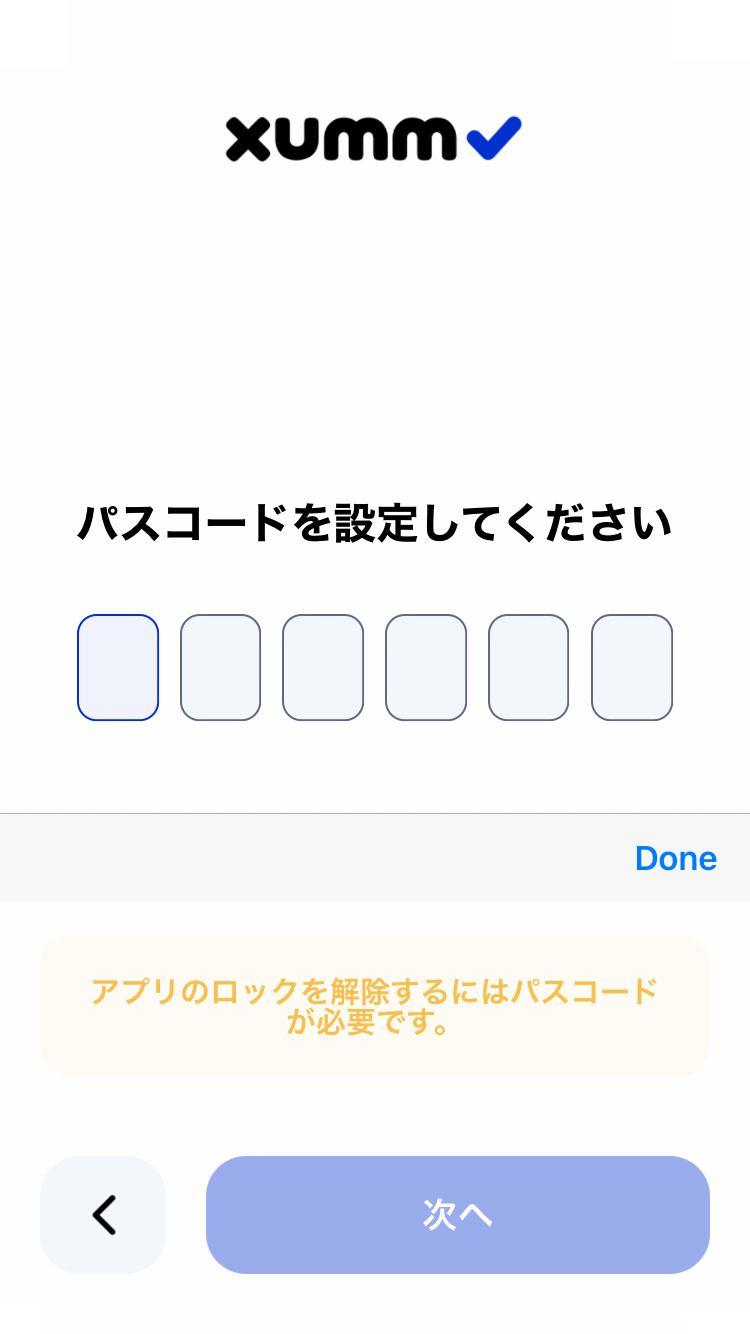
1. Set a 6-digit passcode
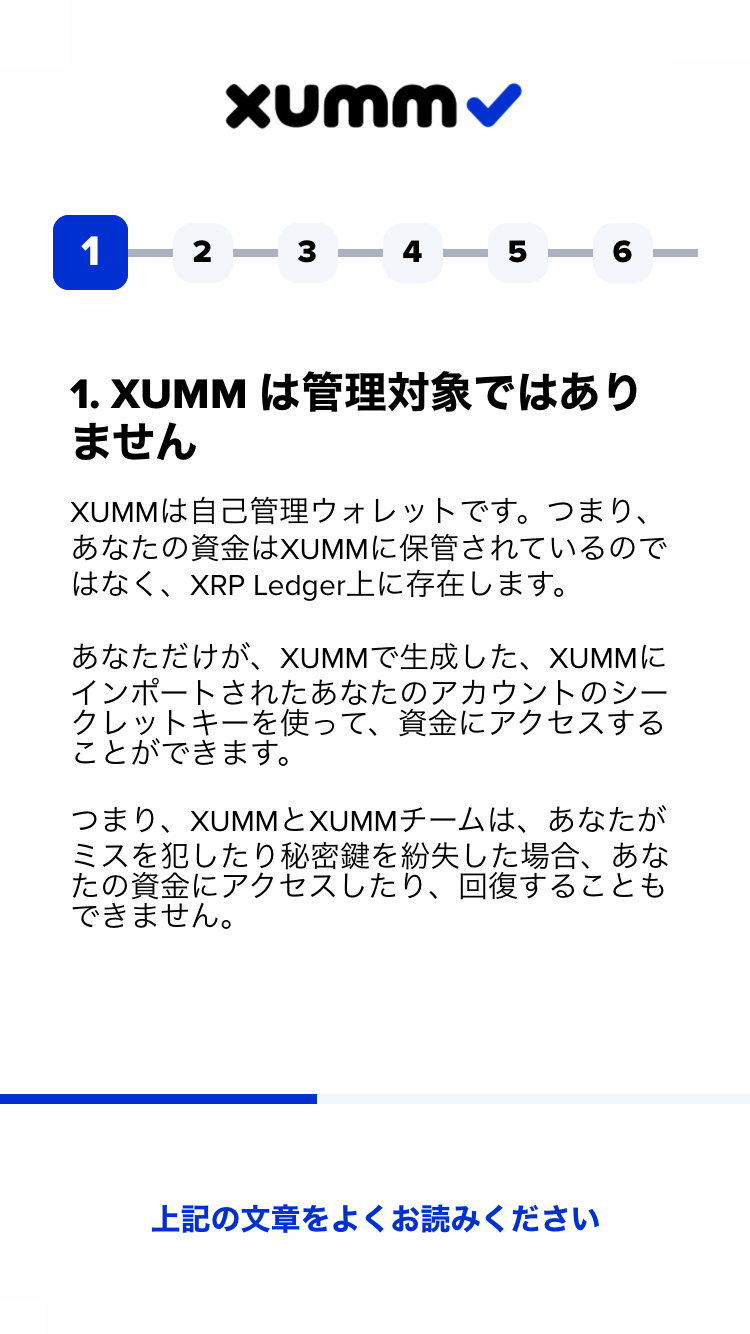
2. Agree to the security notices
Several pages of security notes will be shown.
Please read them carefully and check “I understand” on each page.
STEP 3
Create an account
1. Create a new account
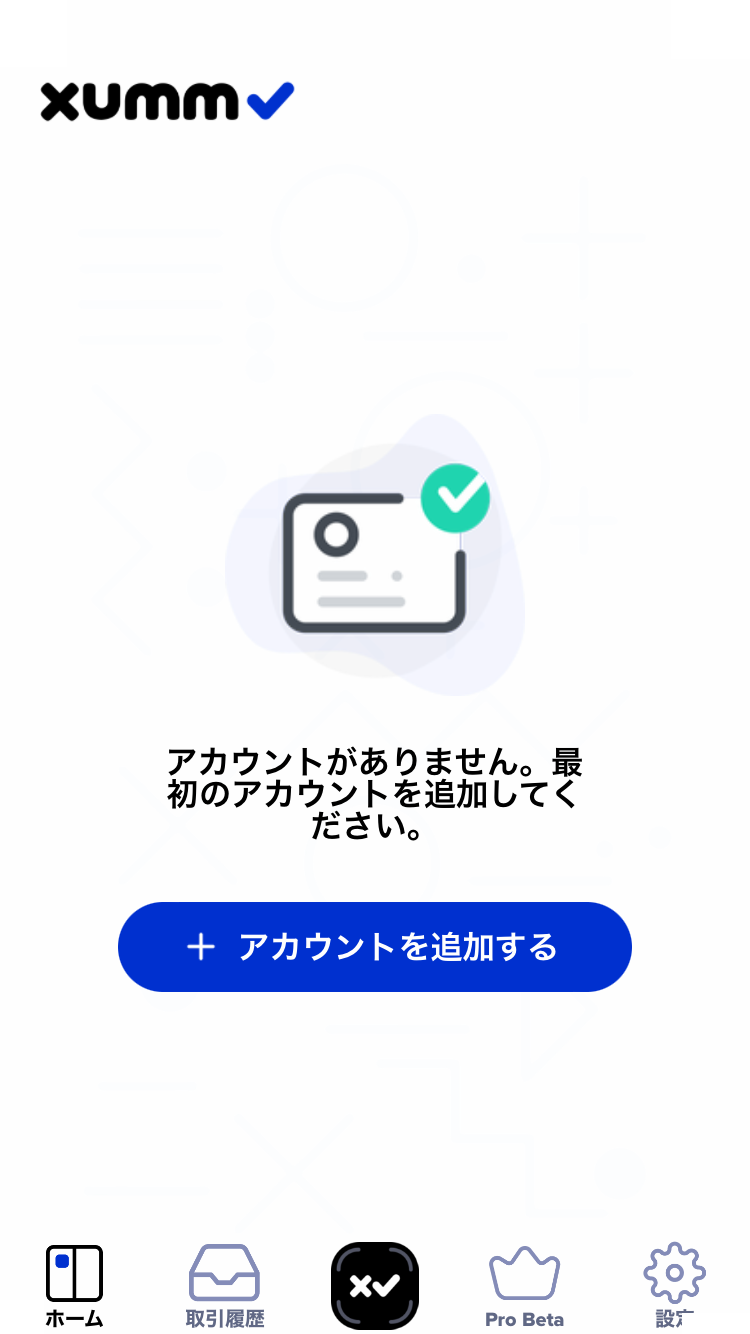
Tap “Add a new account.”
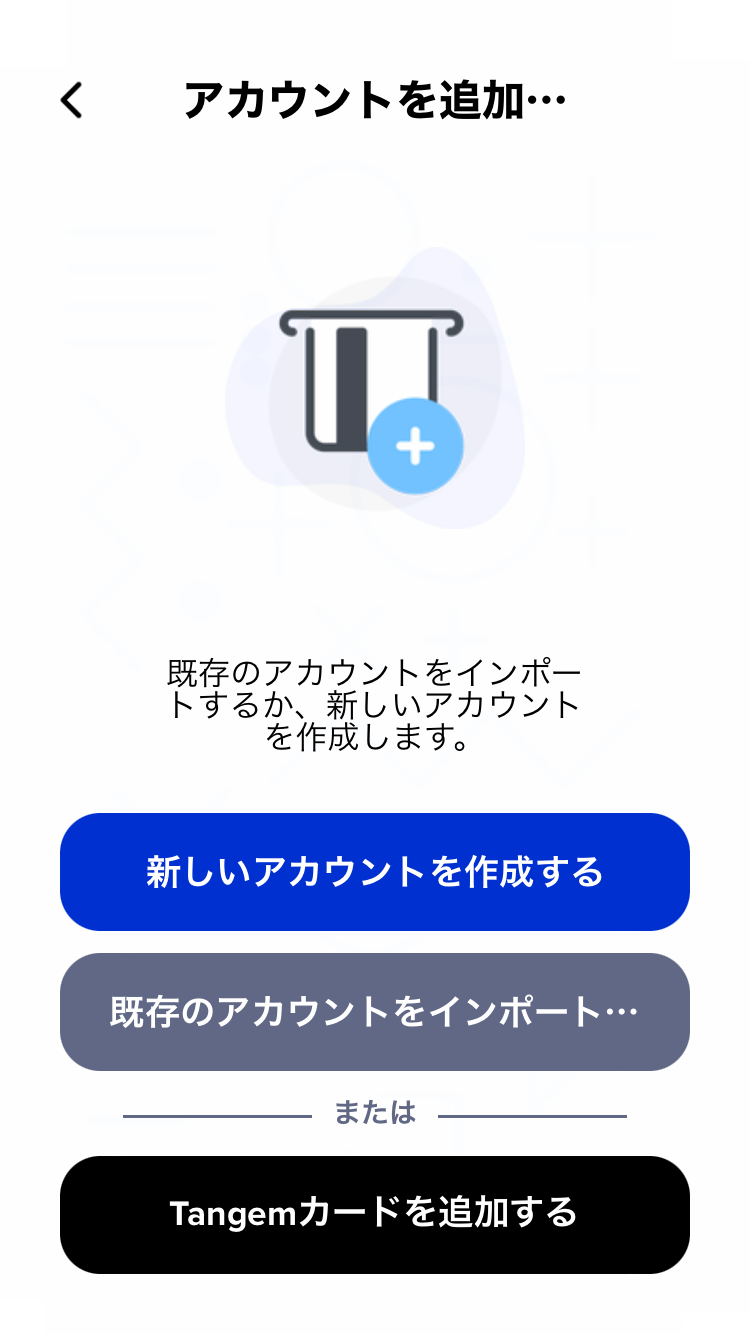
Then tap “Create a new account.”
2. Write down your secret number group
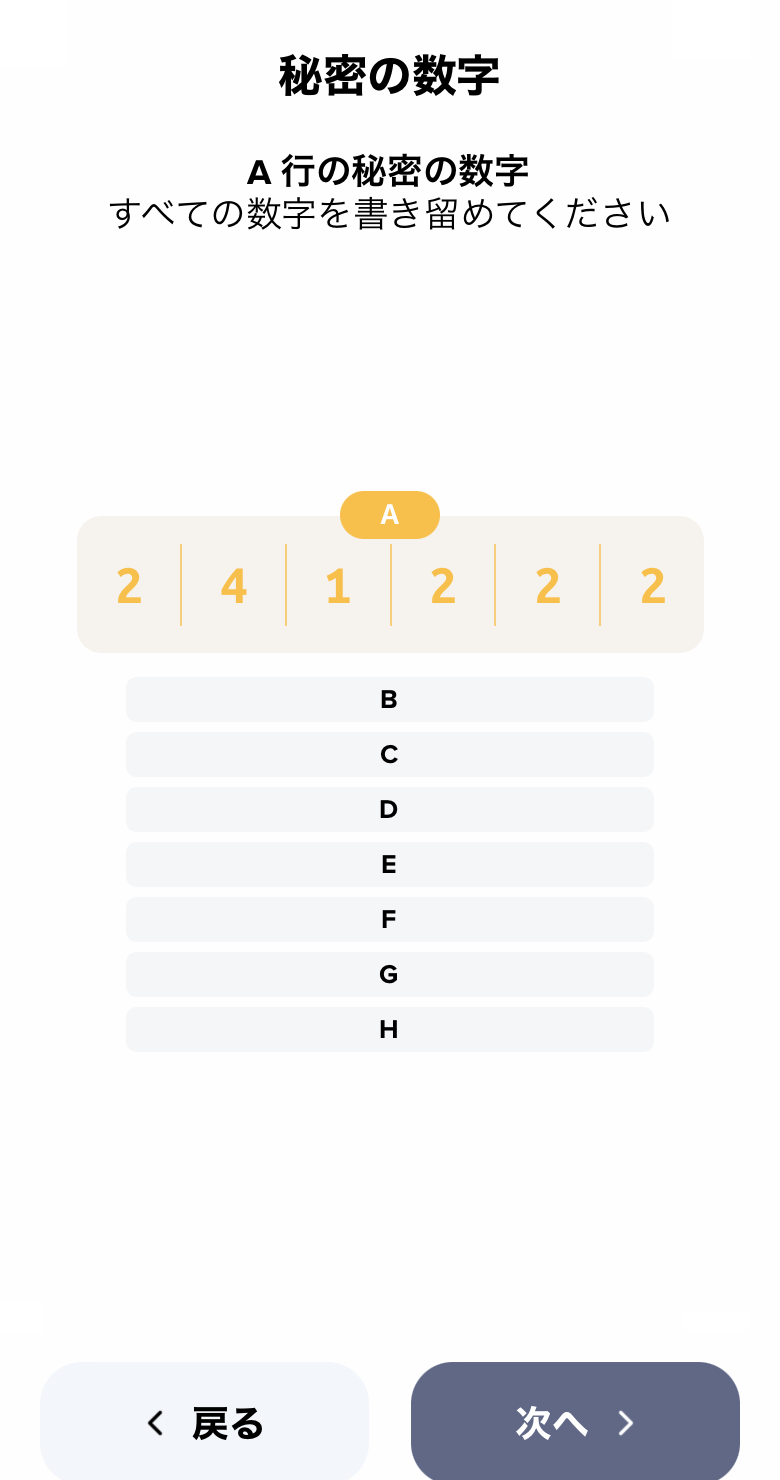
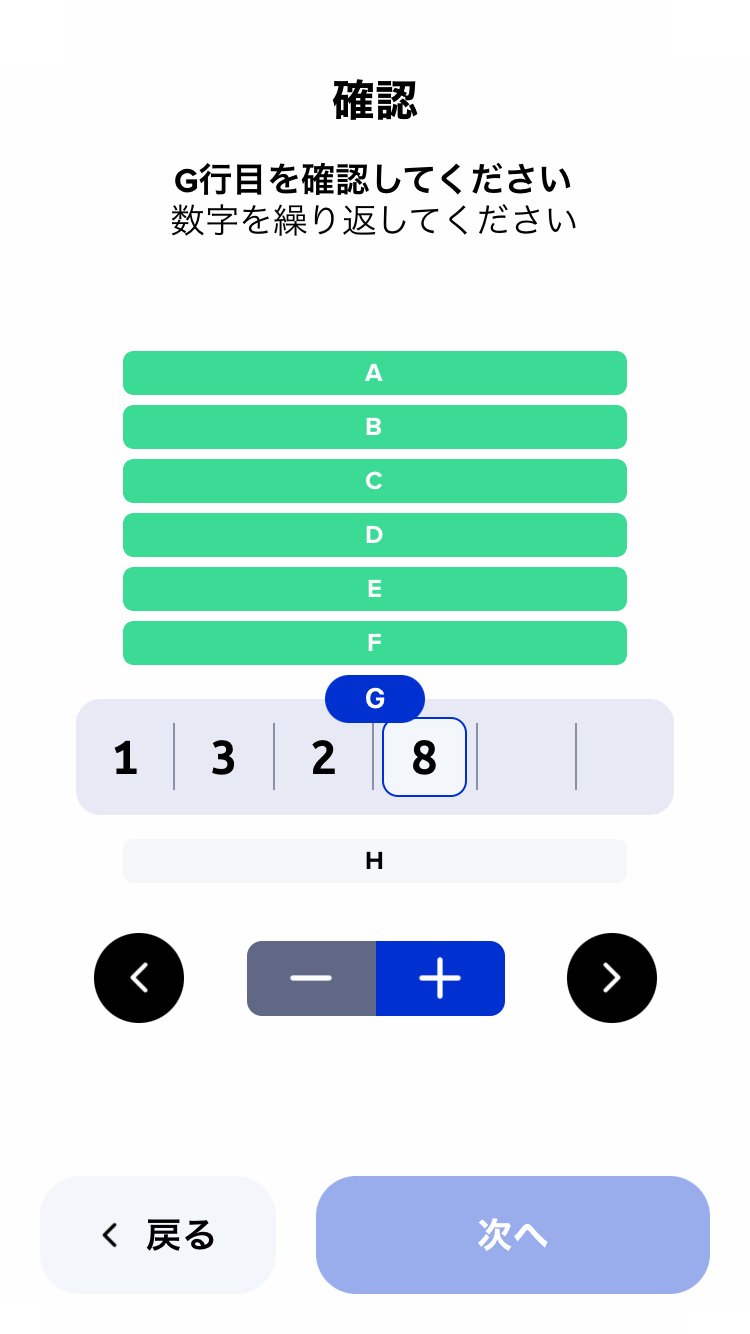
3. Enter the numbers on the confirmation screen
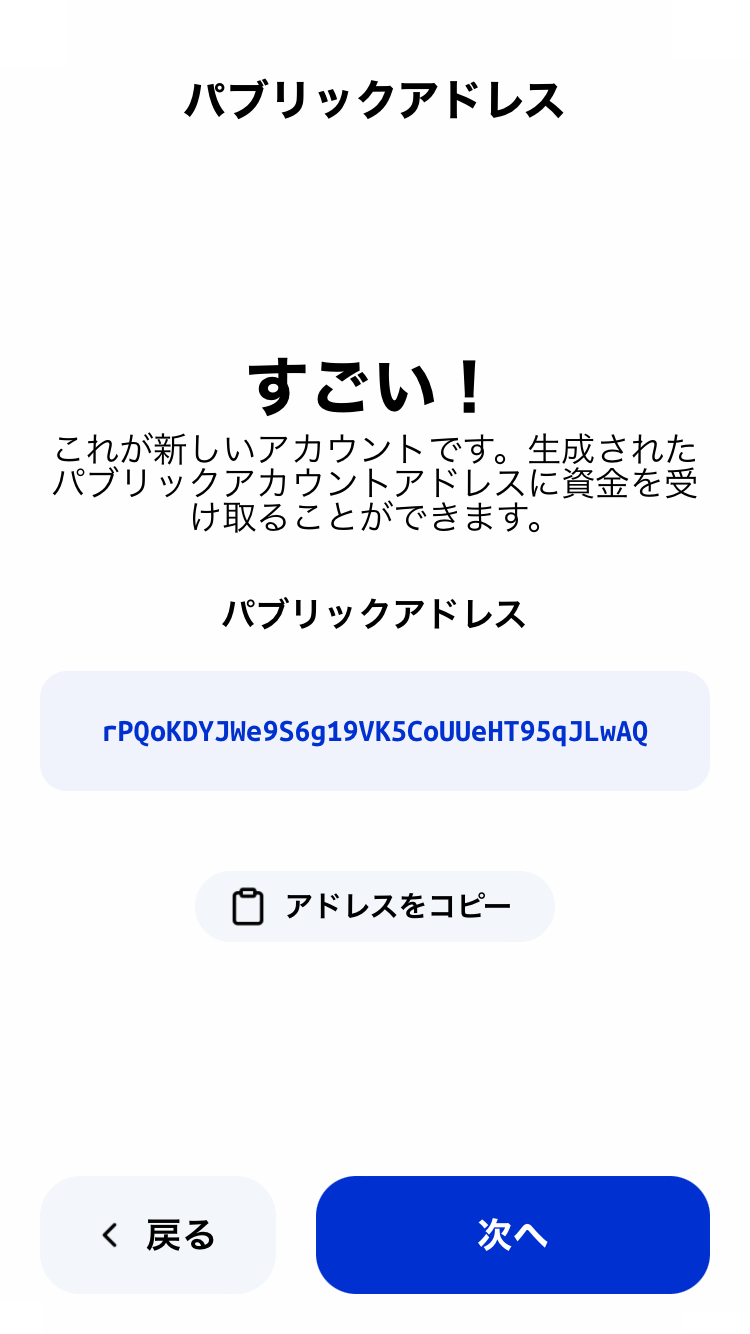
4. Your public address is generated
STEP 4
Activate your account (Activation)
To start using your account, you’ll need to deposit 1 XRP.
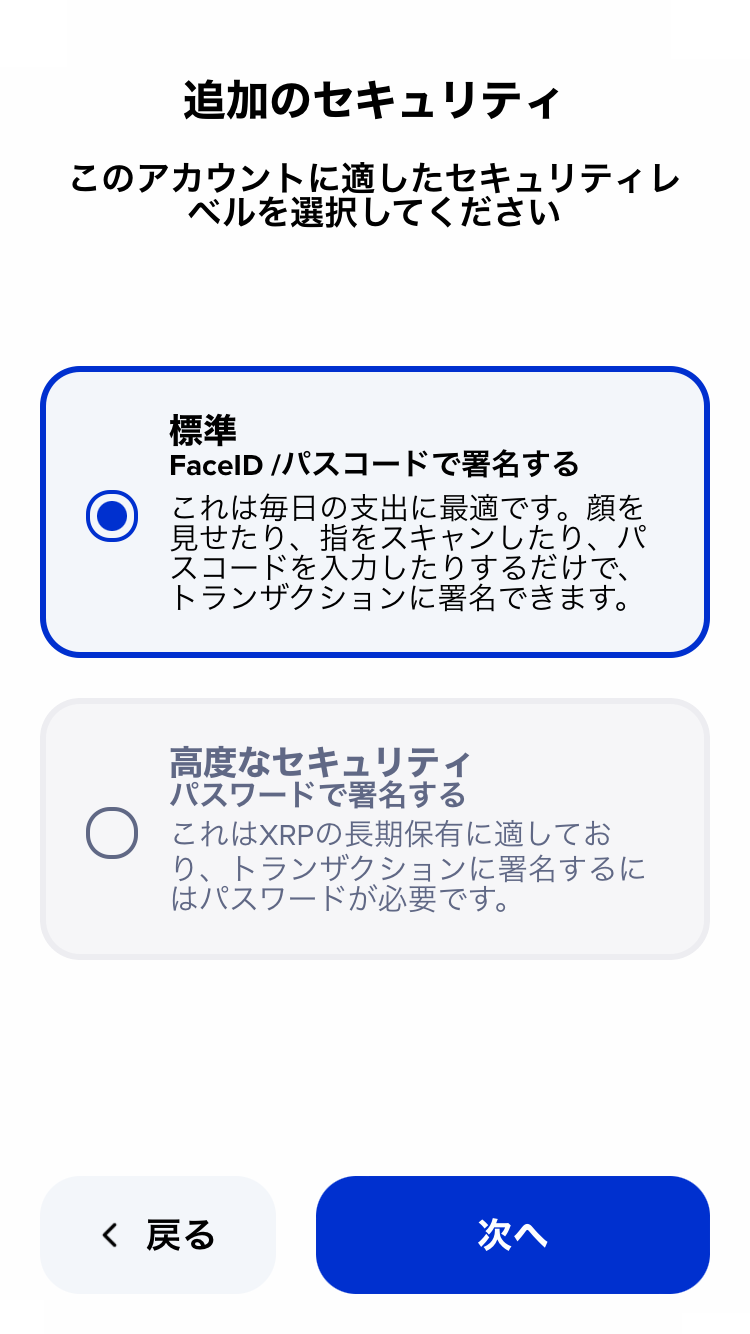
1. Choose “Additional security”
You can choose between standard and advanced security.
Since this guide focuses on NFT use, we’ll proceed with standard security.
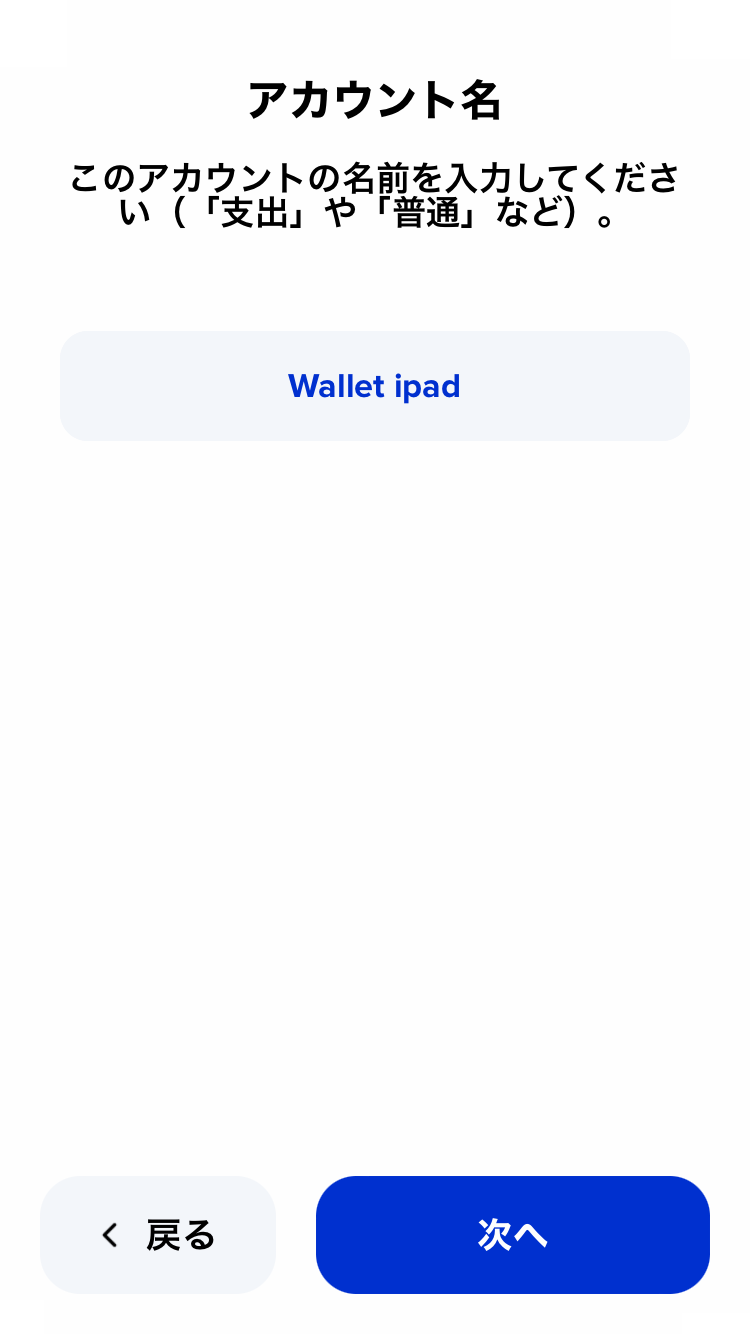
2. Set an account name
Give your account a name.
Once named, the account setup is complete.
Tap “Let’s go!” to continue.
3. Send at least 1 XRP to your new account
Your account isn’t active yet just by creating it.
Send at least 1 XRP to activate it and start using the wallet.
Tap “Show account QR code” and send XRP from an exchange to the displayed address.
4. Activation complete
Once the 1 XRP arrives, your wallet is ready to use.