I know XRP, but I am new to NFTs
Follow this step-by-step guide to set up your wallet and bring home your first dropchan.
Set up your wallet
You need an XRP Ledger (XRPL) wallet to own a dropchan. If you do not have one yet, start by setting up Xaman.
See how to set up XamanFind your favorite dropchan
Choose a way to explore and find a dropchan you love.
Explore space, Japan, magic, food, and more. Start with a theme or motif you enjoy.
Browse the catalogBrowse clothing, hairstyles, buddies, characters, and other traits.
Explore with filtersCombine your favorite traits and filters to narrow your search.
Browse collaborationsDiscover dropchans through collaborating creators and their characters.
Buy on xrp.cafe
Once you have found your favorite dropchan, you can buy it on xrp.cafe.
Choose your language on xrp.cafe
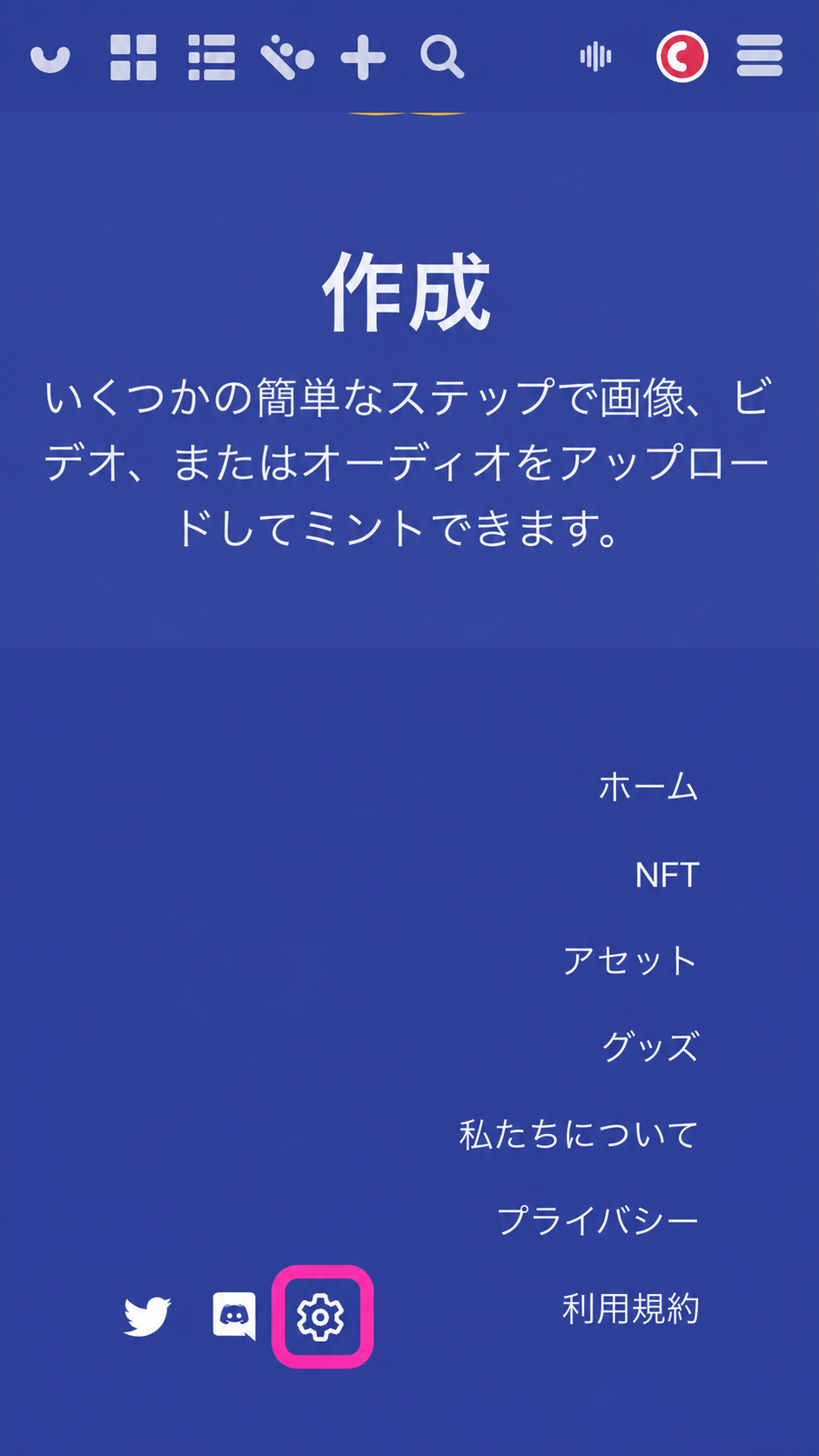
Click the settings icon near the bottom of the page and choose English. The example image shows where to change the language.
1. Sign in
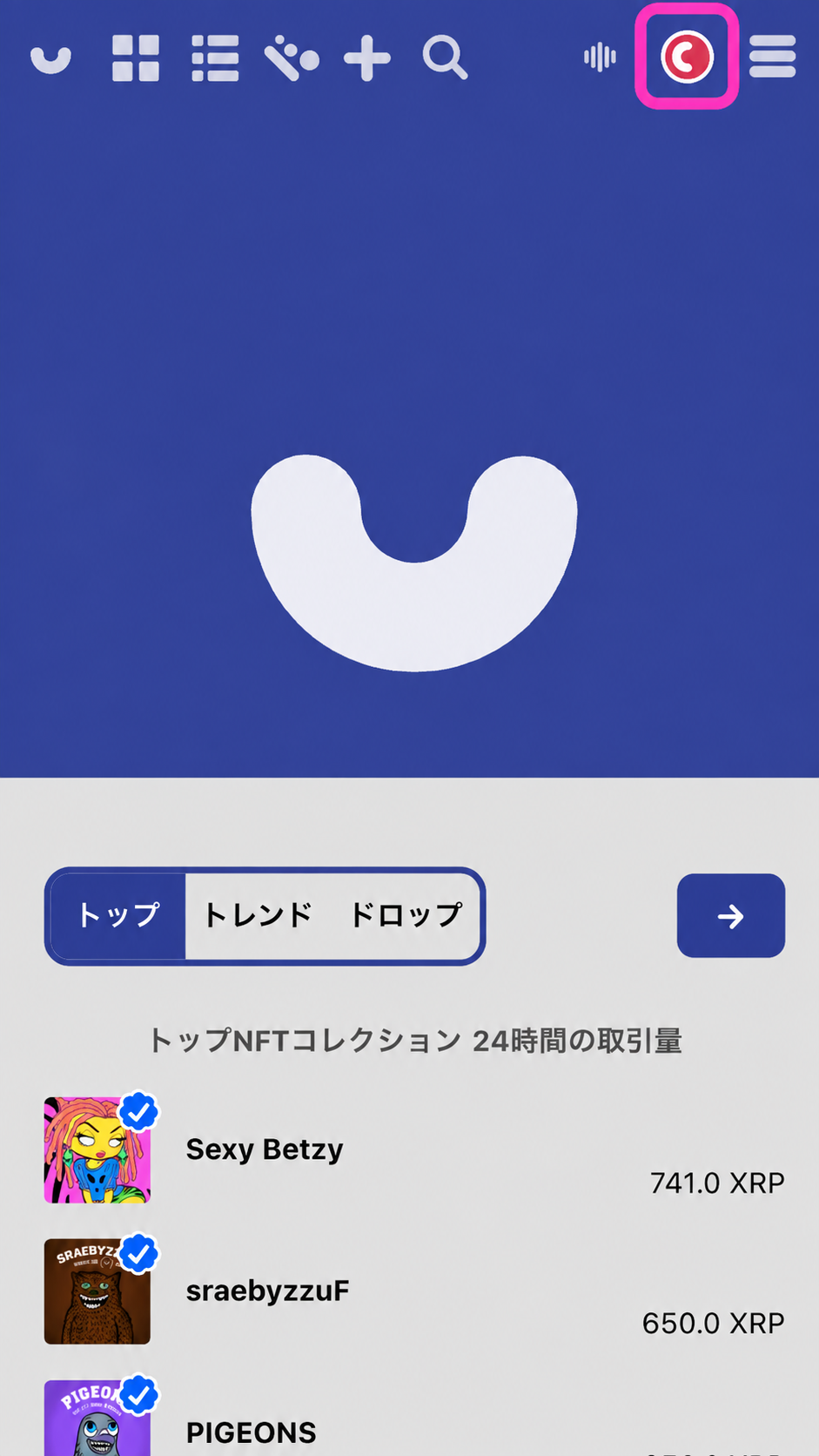
Click the icon at the top right and choose your wallet. Approve the sign-in request in Xaman.
2. Buy your dropchan
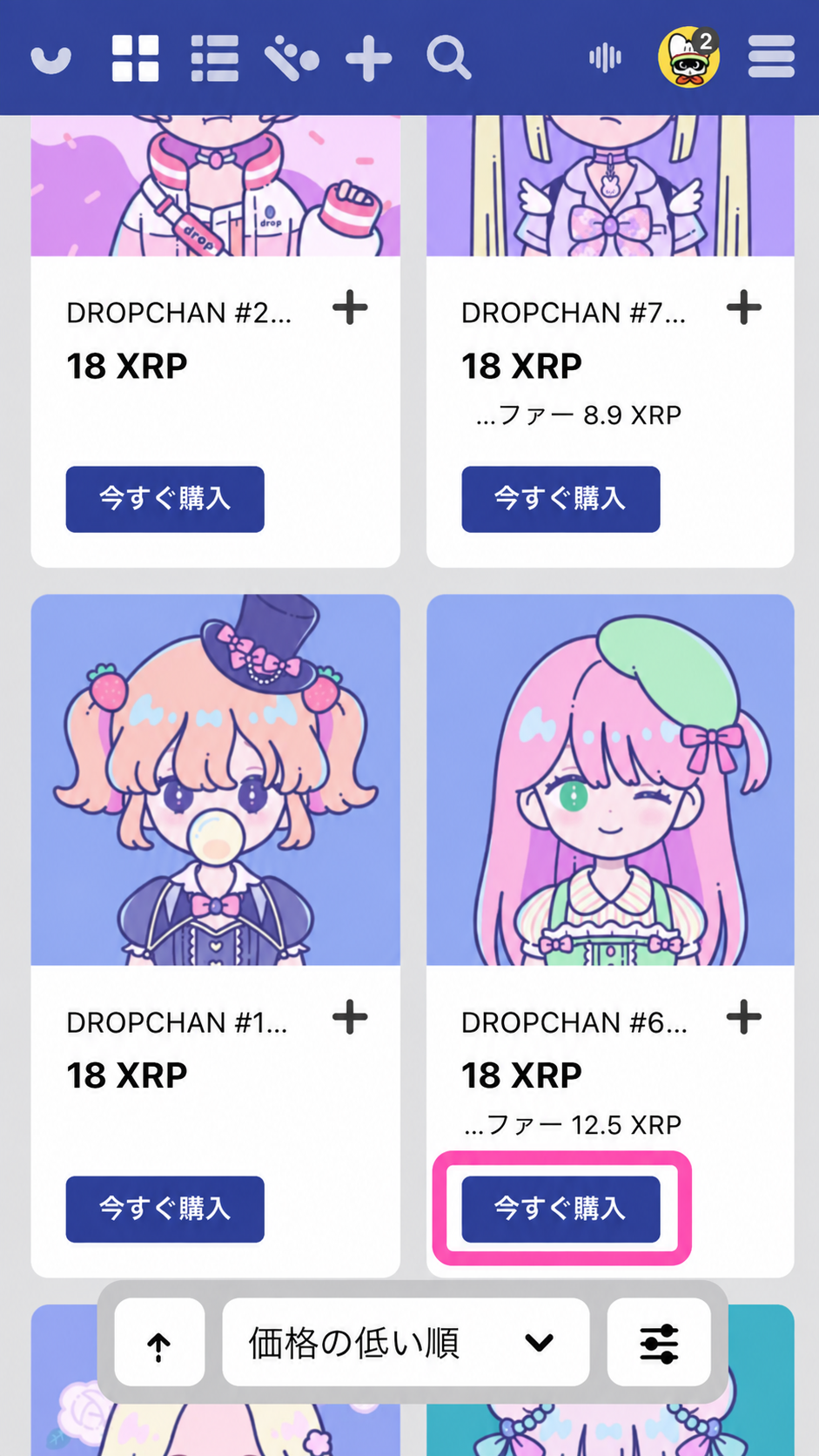
On the page for the dropchan you want, select Buy. Review the transaction details in Xaman, then sign to confirm your purchase.
3. Your purchase is complete
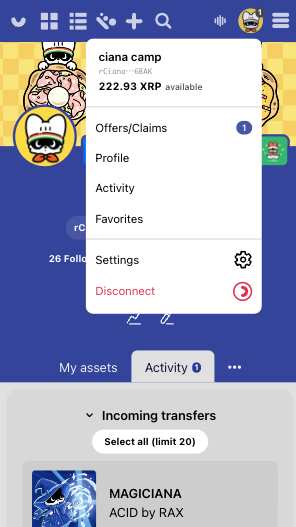
Welcome to the world of dropchan! You can see the dropchans you own in your Profile on xrp.cafe.
View your collection on the dropchan website →
You can also sign in on the dropchan website to see the NFTs you own.
Buy — Purchase at the listed price.
Make Offer — Send the owner an offer at a price you choose.
Want to learn more?
Find short, plain-language explanations of common NFT and XRPL terms.
Read the NFT glossary